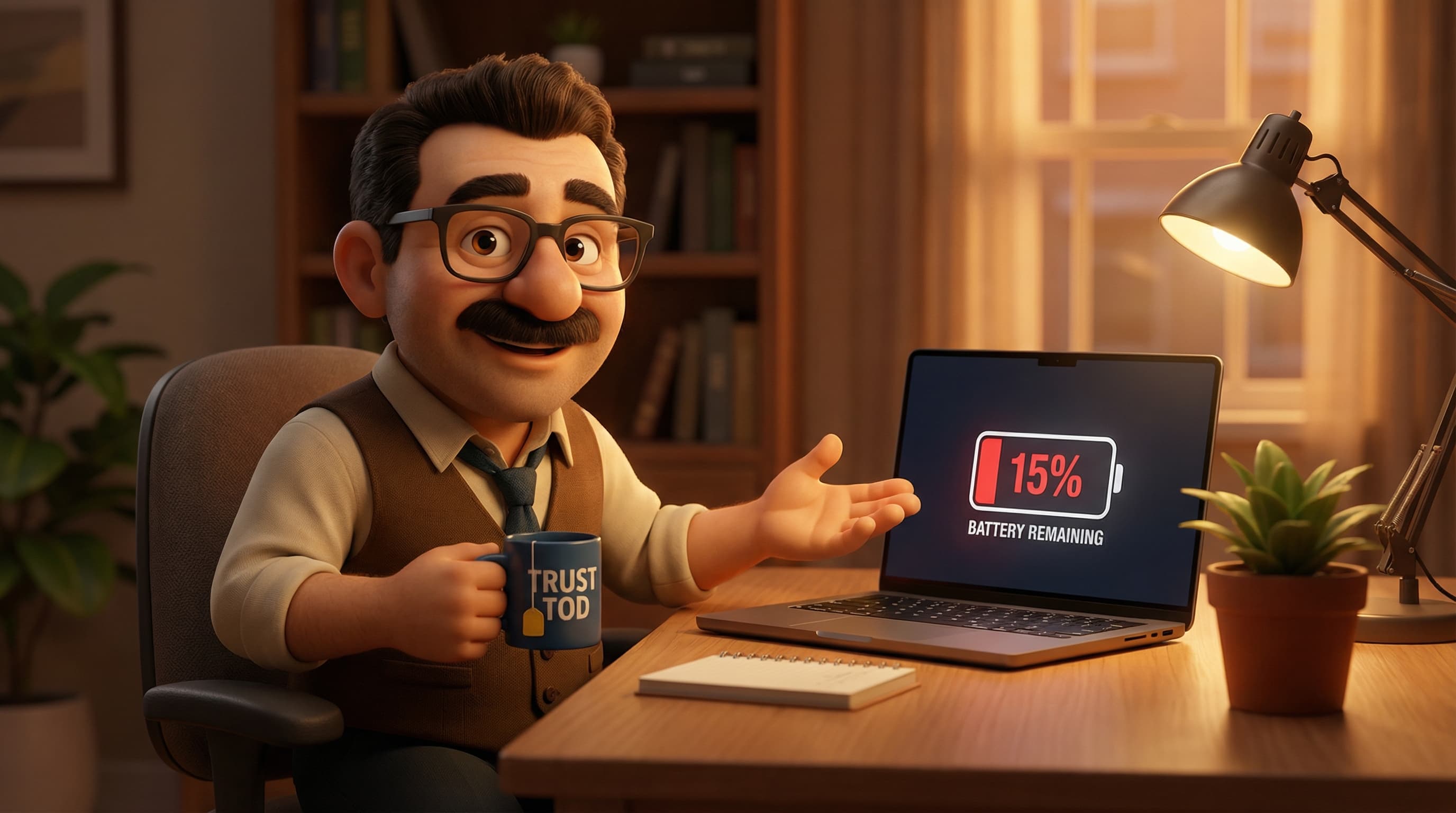
The Great Battery Drain: Why You’re Likely Killing Your Laptop with Kindness
Pop the kettle on, grab a biscuit (a digestive, preferably), and let’s have a proper chinwag about that glowing rectangle you’re staring at right now.
We’ve all been there. You’ve just bought a shiny new laptop—maybe a sleek MacBook or a powerful Dell XPS—and you’re feeling chuffed. You want to look after it. You want that battery to last until flying cars are actually a thing. Then, your Uncle Bob or the IT bloke from your old office pipes up with a nugget of wisdom:
"Make sure you drain the battery to zero properly, otherwise you’ll ruin the memory!"
It sounds logical, doesn’t it? It feels like emptying a bin before putting a new liner in. It appeals to our sense of order. So, you dutifully run your machine until the screen goes black, feeling virtuous that you’ve performed a "deep cycle."
Well, I hate to be the bearer of bad news, but if you’re doing this with a modern laptop, you aren’t saving your battery. You’re slowly murdering it.
I’m Tod, your friendly guide through the bewildering world of tech at tod.ai, and today we’re going to dismantle the most persistent myth in the history of portable electronics: the "Deep Cycle" delusion.
The Myth: The Ghost of Batteries Past
Why does this belief persist? It’s not because people are silly; it’s because for a long time, it was absolutely true. It’s a bit like the rule about waiting an hour after eating before swimming—it’s ingrained in our cultural DNA.
The myth goes like this: If you charge your battery when it’s still at 40%, the battery will eventually ‘forget’ about that bottom 40% and treat the 40% mark as the new 0%. You lose capacity unless you remind the battery what ‘empty’ feels like.
This phenomenon is called the "Memory Effect." It’s a catchy name, isn’t it? It sounds almost human. The idea that our tech has a memory makes us feel responsible for its ‘mental health.’ And because battery degradation is invisible until it’s too late, we cling to these rituals to feel like we’re in control.
But here is the kicker: asking a modern laptop to worry about the "Memory Effect" is like worrying about your Tesla getting a frightened horse heart attack. The technology has fundamentally changed, but our habits haven't caught up.
The History: When Being Empty Was Good
To understand why Uncle Bob isn’t lying, just outdated, we have to hop into our time machine and go back to the 1990s. The era of dial-up internet, chunky camcorders, and power tools that weighed as much as a small child.
In those days, portable tech ran on Nickel-Cadmium (NiCad) and early Nickel-Metal Hydride (NiMH) batteries. These chemical bricks were tough, but they were chemically stubborn. If you repeatedly topped them up without draining them, their internal chemical structure would literally crystallise. This crystallisation caused "voltage depression."
Essentially, the battery would get lazy. If you only used the top 50% of the tank, the crystals would form a barrier, preventing the battery from accessing the bottom half. The battery would "remember" the halfway point as the end of the line.
In that specific context, the advice to "drain it dry" was spot on. A deep discharge broke down those crystals and restored the battery’s full capacity. It was a necessary bit of maintenance, like descaling a kettle.
The Truth: Enter the Lithium Age
Around the mid-2000s, the tech world underwent a massive shift. We moved away from heavy, toxic Nickel-based batteries to the sleek, lightweight powerhouses we use today: Lithium-Ion (Li-ion) and Lithium-Polymer (Li-Po).
If you take one thing away from this blog post, let it be this: Lithium batteries do not have a memory.
The chemistry is totally different. Instead of crystals forming, lithium ions simply shuffle back and forth between the cathode and anode (the positive and negative sides) like commuters on the Tube. They don’t get lazy, and they don’t forget where the exit is.
In fact, Lithium-Ion batteries behave in almost the exact opposite way to their ancestors. They absolutely hate extremes.
The Stress Test Analogy
Think of a Li-ion battery like a rubber band.
- At 50% charge, the band is relaxed on the table. No stress.
- At 100% charge, the band is stretched tight. It can hold it, but if you keep it stretched forever, it eventually loses its snap.
- At 0% charge, it’s like crunching the rubber band up into a tight, dry ball. Do that enough times, and it starts to crack.
When you drain a modern laptop to 0%, you are chemically stressing the electrode materials. If you do this every day, you are actively degrading the battery's internal structure. Battery University (the Oxford of battery knowledge) suggests that a battery drained to 0% every time might only last 300-500 cycles. But if you only drain it to 50% and top it up? You could triple that lifespan.
The "Dead Battery" Risk
Here’s a scary thought. If a Li-ion battery drops below a certain critical voltage, it becomes chemically unstable. To prevent it from catching fire when you next plug it in, the battery’s safety circuit will trip. This is a "protection lock."
Once this happens, the battery is effectively a brick. It will refuse to accept a charge ever again. So, by trying to "deep cycle" your laptop to maintain it, you might accidentally push it into a coma it can’t wake up from. Blimey.
The Verdict: How to Actually Care for Your Laptop
So, if we shouldn’t drain them, what should we do? It’s simpler than you think, though it might require breaking some old habits.
1. The 20-80% Sweet Spot
Ideally, you want to keep your battery hovering between 20% and 80%. This is the zone where the lithium ions are happiest and under the least stress. You don't need to be obsessive about it—don't stare at the percentage bar like a hawk—but try not to let it hit the red zone (below 20%) regularly.
2. The "Calibration" Exception
"But Tod," I hear you ask, "My laptop died when it said it still had 20% left! Surely that’s the memory effect?"
Ah, good catch! But no, that’s not chemistry; that’s maths.
Sometimes, the software that guesses your battery percentage (the "fuel gauge") gets out of sync with the actual chemical charge. The computer thinks it has power, but the tank is empty.
This is the only time you should fully drain your battery. Most manufacturers recommend doing a full discharge (100% to 0%) and then a full recharge back to 100% once every few months. This recalibrates the software so the percentage on your screen is accurate. It doesn’t help the battery health, but it stops your laptop from lying to you.
3. Heat is the Real Enemy
In the UK, we don’t often worry about extreme heat (unless it’s that one week in July), but heat destroys batteries faster than any charging habit.
Using your laptop on a duvet blocks the vents, cooking the battery. Leaving it in a car on a sunny day is a death sentence for Li-ion cells. Keep it cool, and it will last years.
4. Smart Charging is Your Friend
If you have a modern Windows 11 machine or a MacBook, check your settings. Features like "Optimised Battery Charging" are brilliant. They learn your routine. If you leave your laptop plugged in overnight, the system will hold the charge at 80% and only finish the last 20% just before you wake up. It’s clever stuff, reducing the time your battery spends fully stretched out.
A Final Word from Tod
Technology is meant to serve us, not the other way around. You shouldn’t need a degree in chemistry to use a laptop.
The old rules were for old tech. Treat your modern battery like you treat yourself: avoid extreme exhaustion, don't overstuff yourself, and try to stay cool.
If you’re still rocking a laptop from 1998 with a NiCad battery, fair play to you—deep cycle away! But for the rest of us, plug it in when it hits 20%, unplug it if it’s getting hot, and get on with your day.
If your current laptop’s battery is already giving up the ghost and you’re in the market for an upgrade, or if you just want to find a machine with 'all-day battery life' that actually means all day, pop over to tod.ai.
I’m always here for a chat, ready to help you find the perfect tech without the jargon (and without the myths).
Cheers!
Related reading: